

Now that the soccer season is back, many people are looking for ways to check the livestream of the game. Many people today, download live football TV PC so they can stream on their windows. It’s safe to say that most Irish soccer fans will be eager to get back to following Liverpool and Manchester United. Today, you can easily check the score of the remaining matches and prove your friend wrong. Below are the top football apps.
LiveScore
LiveScore is one of my favorite apps. You can get live scores from the Premier League or the Hungarian second division. Considering the app does what it says on the box, the term “Ronseal” comes to mind. It shows the score in real-time. It also shows some live stats such as yellow cards, fouls, etc. If the game is public enough, it can also offer simple commentary.
FourFourTwo Stats Zone
It’s similar to LiveScore in that you can get live score information. But FourFourTwo is on another level when it comes to stats with its Stats. Stats are essential in sports, especially soccer. Just as Billy Beane taught teams to review stats on a mathematical level to predict how a team would play. In the age of online fantasy soccer, it’s crucial to have access to real-time information, such as whether your central midfielder has received too many yellow cards and needs to be replaced.
New Star Soccer
New Star Soccer is almost a bridge between a soccer management simulation and a regular soccer video game. You can also control a player’s entire career. You can make them score goals to earn a place in a big club. It will be great fun for everyone at halftime.
Football Manager
 Football Manager, this simulator has won my heart for many years. Whether you want to help the poorest of clubs to Champions League glory or make your managerial debut in the FA Cup final, this game is hugely popular among soccer fans. The developers offer the ability to play on your tablet or smartphone rather than being confined to your PC/Mac. It’s not as detailed as the board game, but you can still trade in the transfer market and watch the little circles move from pixel to pixel and win the game.

 Tablets provide a great way to access apps and other online resources on the go. They offer portability, high performance, and long battery life to do more in less time. Plus, many models have a built-in keyboard, meaning you don’t have to carry around an extra laptop or netbook.
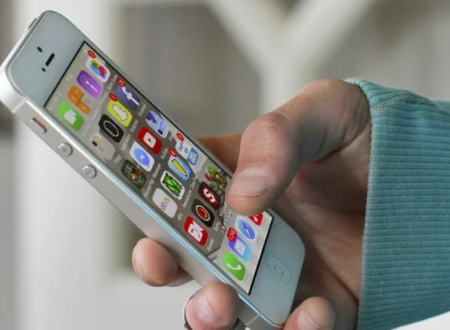
 The emulator allows you to simulate, create and run Android applications without a physical device. The Android program also helps you create a new SD card image with a new AVD to copy the files. You can load the SD card image into the emulator at startup. The emulator supports Android configurations, which can set the Android system’s version to use individual applications, web pages, audio/video, data storage and retrieval, user information, and sending graphics changes and themes.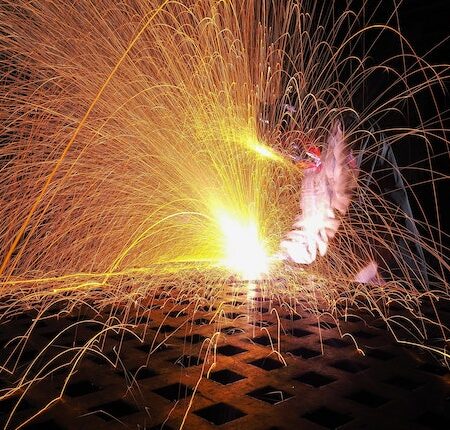
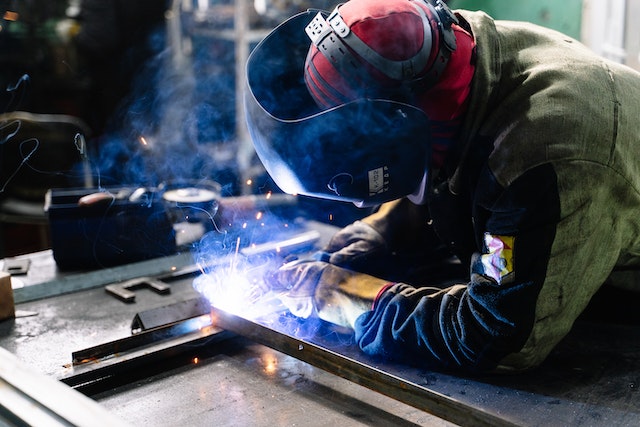 Another option for oxide layer removal is mechanical removal. This involves using abrasive materials, such as sandpaper or steel wool, to physically scour the oxides off the surface. It can be effective but requires much manual labor and patience to achieve a smooth finish. It also has the potential to leave unwanted scratches on the surface. In addition, due to the high temperatures involved in laser cutting, there is a risk of burning off too much material, potentially weakening the structure. Also, there is a greater risk of generating hazardous dust particles, so personal protective equipment such as masks and eye protection is recommended.
 The third method for removing oxide layers from laser-cut surfaces is thermal removal. This technique uses a torch or furnace to heat and evaporates the surface oxides. This can be useful for thick layers of oxides, as it is much faster than the other two methods. However, it should be done cautiously as temperatures above 1,100°F (593°C) can damage or even warp the material. Additionally, this method requires specialized equipment and expertise to perform safely. When done correctly, thermal removal can achieve a smooth finish with minimal heat damage.