
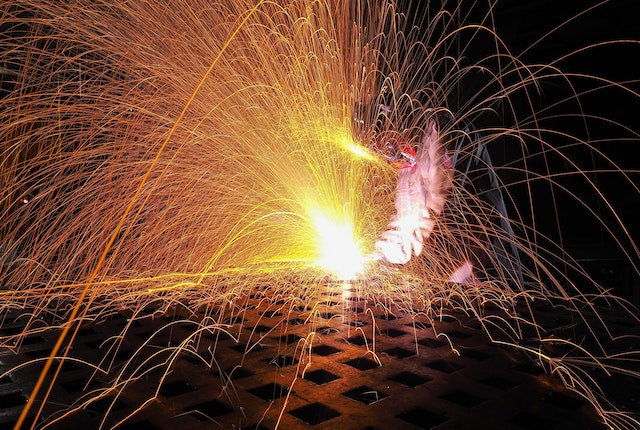
If you have ever laser cut a piece of metal, you know that oxide layers can form on the surface. These layers make the surface difficult to weld or solder and cause corrosion. This blog post will discuss various techniques for removing oxide layer from laser-cut surfaces. We will cover three different methods: chemical removal, mechanical removal, and thermal removal.
Chemical Removal
Chemical removal is the most common and cost-effective method to remove oxide layers from laser-cut surfaces. This involves using a chemical agent, such as citric acid or vinegar, to dissolve the oxides. It surface should be thoroughly cleaned before applying the chemical solution, as any residue can reduce its effectiveness. After allowing the solution to sit for a few minutes, the surface should be washed with water to remove any remaining chemical residue.
Mechanical Removal
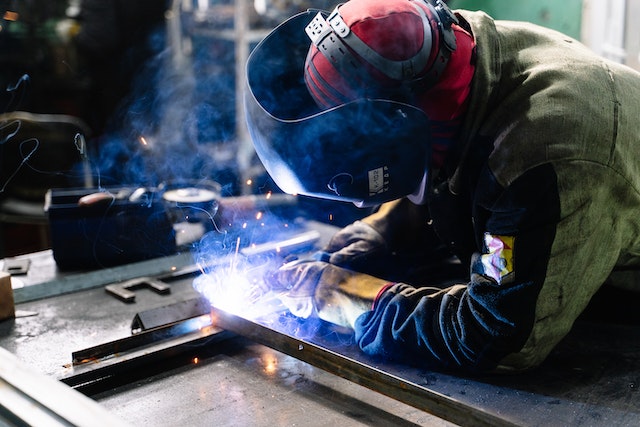 Another option for oxide layer removal is mechanical removal. This involves using abrasive materials, such as sandpaper or steel wool, to physically scour the oxides off the surface. It can be effective but requires much manual labor and patience to achieve a smooth finish. It also has the potential to leave unwanted scratches on the surface. In addition, due to the high temperatures involved in laser cutting, there is a risk of burning off too much material, potentially weakening the structure. Also, there is a greater risk of generating hazardous dust particles, so personal protective equipment such as masks and eye protection is recommended.
Thermal Removal
 The third method for removing oxide layers from laser-cut surfaces is thermal removal. This technique uses a torch or furnace to heat and evaporates the surface oxides. This can be useful for thick layers of oxides, as it is much faster than the other two methods. However, it should be done cautiously as temperatures above 1,100°F (593°C) can damage or even warp the material. Additionally, this method requires specialized equipment and expertise to perform safely. When done correctly, thermal removal can achieve a smooth finish with minimal heat damage.
In conclusion, there are three main methods for removing oxide layers from laser-cut surfaces: chemical, mechanical, and thermal. Each of these methods has its advantages and disadvantages. Chemical removal is the most cost-effective and easy-to-use option but requires thorough cleaning before application. Mechanical removal requires much manual labor and patience but is less risky and produces a smooth finish. Finally, thermal removal is the fastest option but requires specialized equipment and expertise to perform safely. Considering all of these factors is important when deciding which method is best for your project.

 If you’re looking for a way to improve your smart home, consider investing in a smart speaker. Smart speakers are becoming increasingly popular, and for a good reason. They offer a convenient way to control your smart home devices. You can use voice commands to turn on the lights, adjust the thermostat, or play music. Plus, many smart speakers come with built-in virtual assistants that can answer your questions, set alarms, and more. Siri, Alexa, and Google Assistant are popular options for getting started.
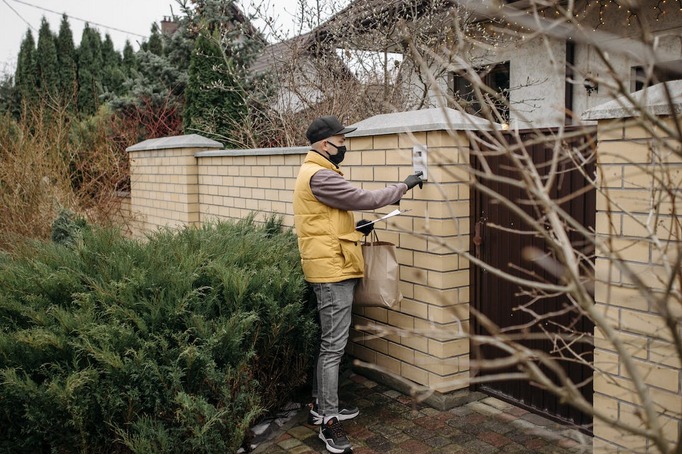 A smart video doorbell is a great way to improve your home security. These devices allow you to see and speak to visitors from anywhere in the world. You can also use them to monitor your front door and receive alerts if someone breaks in. Many smart video doorbells come with night vision, so you can see who’s at your door even in the dark. Plus, they’re easy to install and come with various features to choose from.
 The emulator allows you to simulate, create and run Android applications without a physical device. The Android program also helps you create a new SD card image with a new AVD to copy the files. You can load the SD card image into the emulator at startup. The emulator supports Android configurations, which can set the Android system’s version to use individual applications, web pages, audio/video, data storage and retrieval, user information, and sending graphics changes and themes.