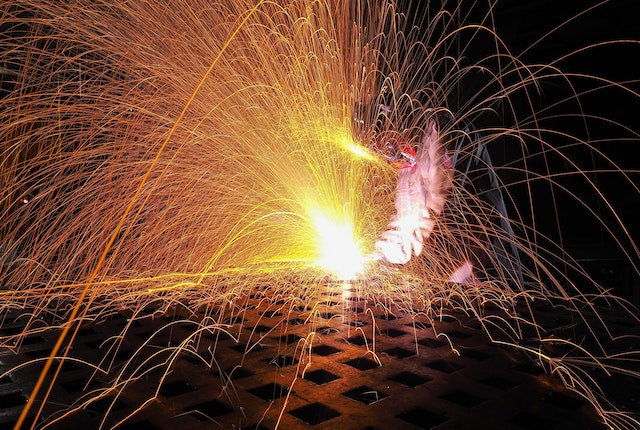
If you have ever laser cut a piece of metal, you know that oxide layers can form on the surface. These layers make the surface difficult to weld or solder and cause corrosion. This blog post will discuss various techniques for removing oxide layer from laser-cut surfaces. We will cover three different methods: chemical removal, mechanical removal, and thermal removal.
Chemical Removal
Chemical removal is the most common and cost-effective method to remove oxide layers from laser-cut surfaces. This involves using a chemical agent, such as citric acid or vinegar, to dissolve the oxides. It surface should be thoroughly cleaned before applying the chemical solution, as any residue can reduce its effectiveness. After allowing the solution to sit for a few minutes, the surface should be washed with water to remove any remaining chemical residue.
Mechanical Removal
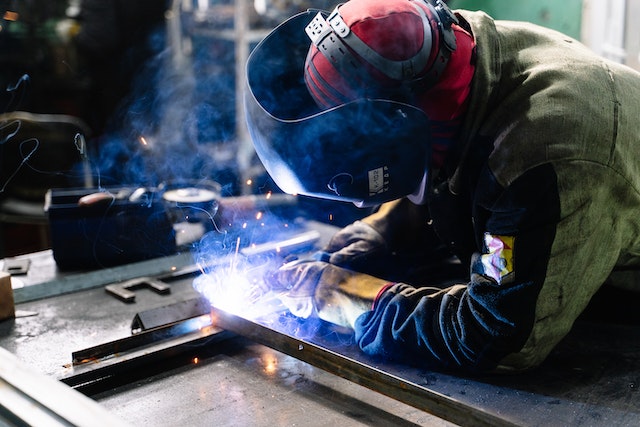 Another option for oxide layer removal is mechanical removal. This involves using abrasive materials, such as sandpaper or steel wool, to physically scour the oxides off the surface. It can be effective but requires much manual labor and patience to achieve a smooth finish. It also has the potential to leave unwanted scratches on the surface. In addition, due to the high temperatures involved in laser cutting, there is a risk of burning off too much material, potentially weakening the structure. Also, there is a greater risk of generating hazardous dust particles, so personal protective equipment such as masks and eye protection is recommended.
Thermal Removal
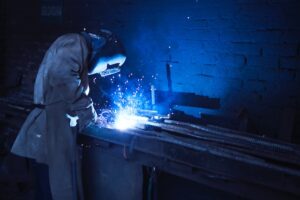 The third method for removing oxide layers from laser-cut surfaces is thermal removal. This technique uses a torch or furnace to heat and evaporates the surface oxides. This can be useful for thick layers of oxides, as it is much faster than the other two methods. However, it should be done cautiously as temperatures above 1,100°F (593°C) can damage or even warp the material. Additionally, this method requires specialized equipment and expertise to perform safely. When done correctly, thermal removal can achieve a smooth finish with minimal heat damage.
In conclusion, there are three main methods for removing oxide layers from laser-cut surfaces: chemical, mechanical, and thermal. Each of these methods has its advantages and disadvantages. Chemical removal is the most cost-effective and easy-to-use option but requires thorough cleaning before application. Mechanical removal requires much manual labor and patience but is less risky and produces a smooth finish. Finally, thermal removal is the fastest option but requires specialized equipment and expertise to perform safely. Considering all of these factors is important when deciding which method is best for your project.

 Tablets provide a great way to access apps and other online resources on the go. They offer portability, high performance, and long battery life to do more in less time. Plus, many models have a built-in keyboard, meaning you don’t have to carry around an extra laptop or netbook.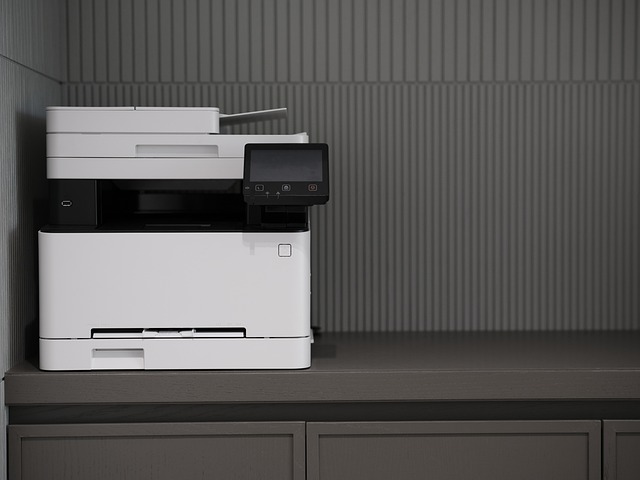
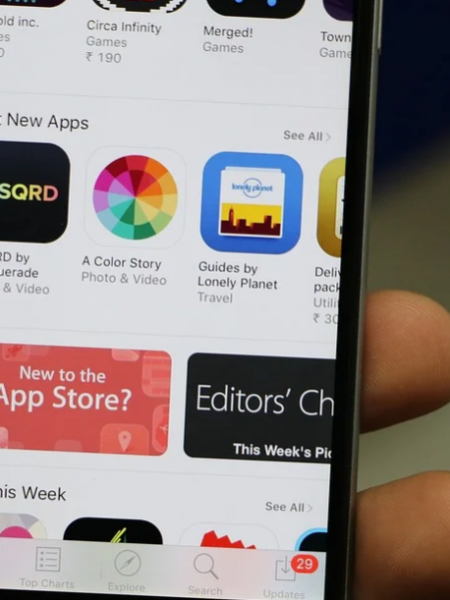
 Apple’s app shop for
  Google created Android Market as an online marketplace for Android-based devices, including tablets and phones. Android Market is pre-installed on all Android devices. It has more than 400,000 apps. You can browse, purchase and download many applications from Android Market. 67% of the apps in the Android Market are completely free, which is more than any other app store. This is great for users because they have a wide range of apps to choose from without paying anything. By the end of 2011, more than 10 billion apps had been downloaded from the Android Market worldwide. Android makes it easy to see which apps are most popular and which are trending. It also has some publisher selections.